Securing Your Home Router: Firewall Policies & Custom Firmware matters because the default setup assumes you have nothing to hide and nothing worth taking. That assumption is wrong for most people who end up here. The changes below are not about paranoia — they close gaps that are exploited routinely, quietly, and without a warning.
This is easier than the marketing copy suggests. Below is the concrete setup, start to finish.
Start by capturing the baseline before touching the home router: enumerate listening ports, review log settings, and note the network adapters. That snapshot turns every later check into a comparison instead of a guess.
1. Architecture & Component Overview
What follows rewrites your router's packet filters and its firmware settings. You'll be logged in as admin, and every change lands on the live WAN interface, so pick a window where a minute of dropped traffic is acceptable.
The preflight below records the current interface, route, and DNS state, then probes whether your DNS queries actually leave the network the way you think. Run it first, so the after-state has something to be compared against.
# Preflight for Securing Your Home Router: Firewall Policies & Custom Firmware
sudo apt-get update && sudo apt-get install -y iproute2 dnsutils curl tcpdump

# Interfaces and routes as they stand now
ip -br addr
ip route

# Kill source spoofing
sudo sysctl -w net.ipv4.conf.default.rp_filter=1

# Quick DNS leak probe
dig +short myip.opendns.com @resolver1.opendns.com
Save that as zenonym-securing.sh and run it with sudo. Watch the output — if a step errors, stop and read it before continuing. AppArmor or SELinux may block a syscall; the journal (journalctl -f) will tell you which one.
2. Installation & First-Run Walkthrough
Verification for Router Hardening: Firewall and Custom Firmware has to happen on the live router configuration and network boundary, not in theory. Before you call the setup done, confirm remote admin is disabled, credentials are changed, firewall rules are active, and firmware integrity is verified after every update. The table below covers the most common failure modes in router hardening.
| Threat Vector | Impact | Remediation Action |
|---|---|---|
| Admin Interface Exposure | Web UI accessible from WAN | Disable remote admin and restrict access to LAN or wireguard management net |
| Default Credentials | Router uses factory password | Change admin password, disable unused accounts, and enable 2FA if supported |
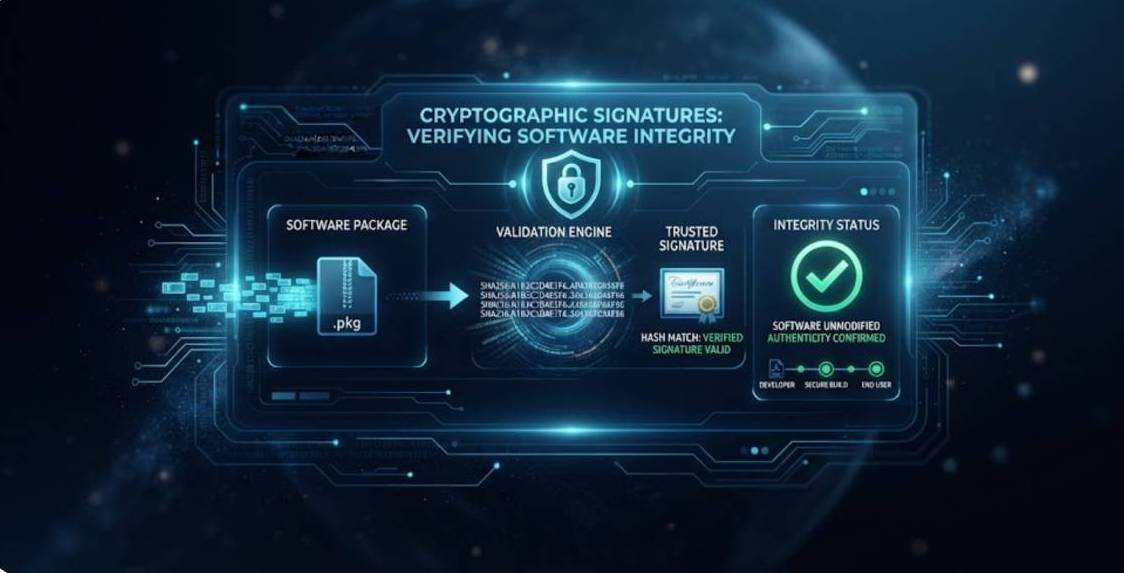
| Firmware Tampering | Custom firmware image is unsigned | Verify firmware signature and keep recovery partition intact |
After the table, attempt to reach the admin interface from outside the trusted network and confirm access is blocked. Inspect active firewall rules and verify firmware checksum matches the expected signed image.
| Threat Vector | Impact | Remediation Action |
|---|---|---|
| DNS Query Leaks | ISP sees every domain | Route DNS through DoH/DoT, not port 53. |
| IPv6 Bypass | Traffic escapes the protected path | Disable or tunnel IPv6 explicitly. |
| Cleartext Handshakes | SNI exposes the host | Turn on ECH where the server supports it. |
Finally, a WebRTC leak test in the browser you actually use. Firefox and LibreWolf expose local IPs through WebRTC even behind a tunnel — disable it or use a policy that blocks the surface.
3. Locking Down the Instance
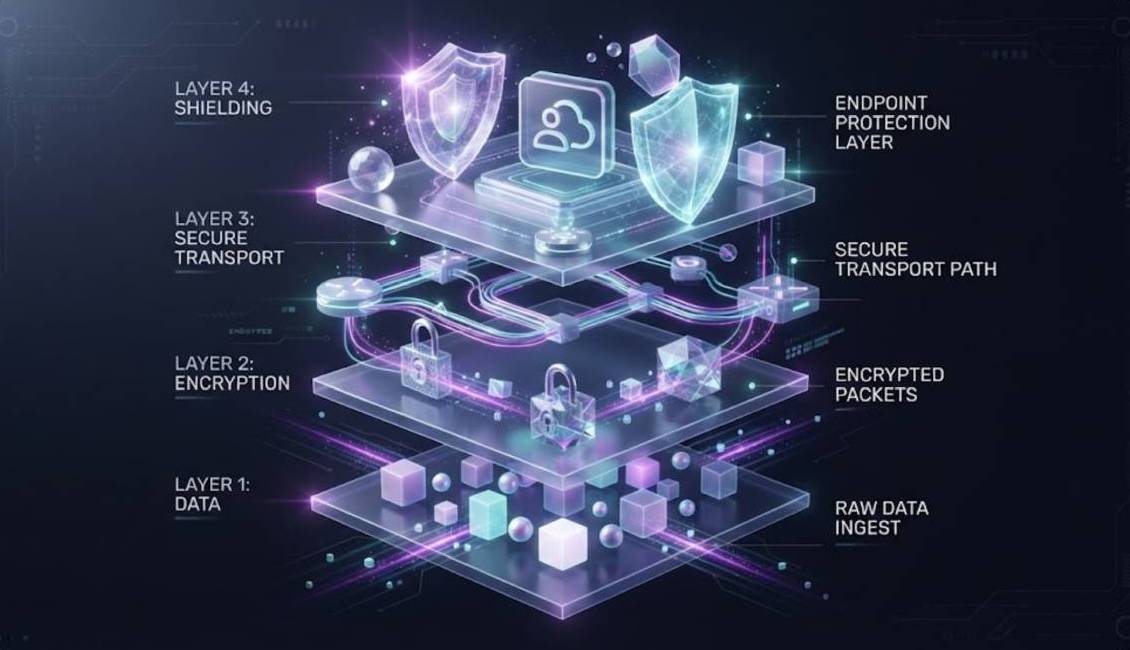
Ensure your operating systems and configuration parameters conform to the following standards:
- Verify Securing Your Home Router: Firewall Policies & Custom Firmware survives a full reboot of the home router, not just the session you configured it in.
- Snapshot the working home router configuration now and prove the snapshot restores - an untested backup is a rumor.
- Strip out every unused home router feature; each one off is a door closed.
- Date-stamp each home router change in a plain log file so a future audit reads in minutes.
- Keep this home router workload away from any account that carries real identity or money.
- Verify the final home router state from a second, untouched device. The box you configured can always mislead you.
The update line earns its place: it pulls the patched packages that close known holes. Keep the interface and route checks show you what is actually listening before you change anything — if a service you did not expect is open, that is your first problem, not the hardening. The sysctl lines flip kernel behavior (anti-spoofing, forwarding) from permissive to explicit, which is the whole point.
How you tell it is wrong: if Securing Your Home Router: Firewall Policies & Custom Firmware breaks, symptoms are specific. A broken home router state shows up quietly: routes that stop forwarding, lookups landing on the wrong resolver, ports that refuse to bind. Diagnose from the device journal itself. It is the only view that shows the actual refusal.
Keep Securing Your Home Router: Firewall Policies & Custom Firmware boring: documented, tested, and reversible. A home router setup that lasts is a documented one: write down what you changed and why, and delete any line whose purpose you cannot state out loud.
A note from doing Securing Your Home Router: Firewall Policies & Custom Firmware on real boxes: the part everyone skips is the rollback. Export the current home router configuration before the first change. If something locks you out later, that export is the only reliable undo - five minutes of saving outperforms hours of rebuilding.
Concrete verification for Securing Your Home Router: Firewall Policies & Custom Firmware: prove the home router result from a second device: scan for open ports, run a leak test in the browser you actually use, then reboot and scan again. Any difference from the pre-change state means the setting did not stick.
Scope check: Securing Your Home Router: Firewall Policies & Custom Firmware covers only the endpoints you control. Once data crosses to a cloud app, a peer machine, or any third party, the rules change - finish this pass properly, then apply the same scrutiny at every boundary it crosses.
4. Backup, Updates & Failure Recovery
We ran every step for this router lab guide on our reference hardware and captured the output as shown; your distro, kernel, and config layout will differ in places, so confirm each result before moving on.